 Lemon Hub
 Desktop app for Windows
Every account.
One workspace.
Lemon Hub runs all your models’ Instagram, X and Fanvue accounts in separate sessions, side by side in split screen, with Insights and your AI tools built in.

Built for running many accounts.
Everything you open every day, in one fast, focused desktop app.
Split screen
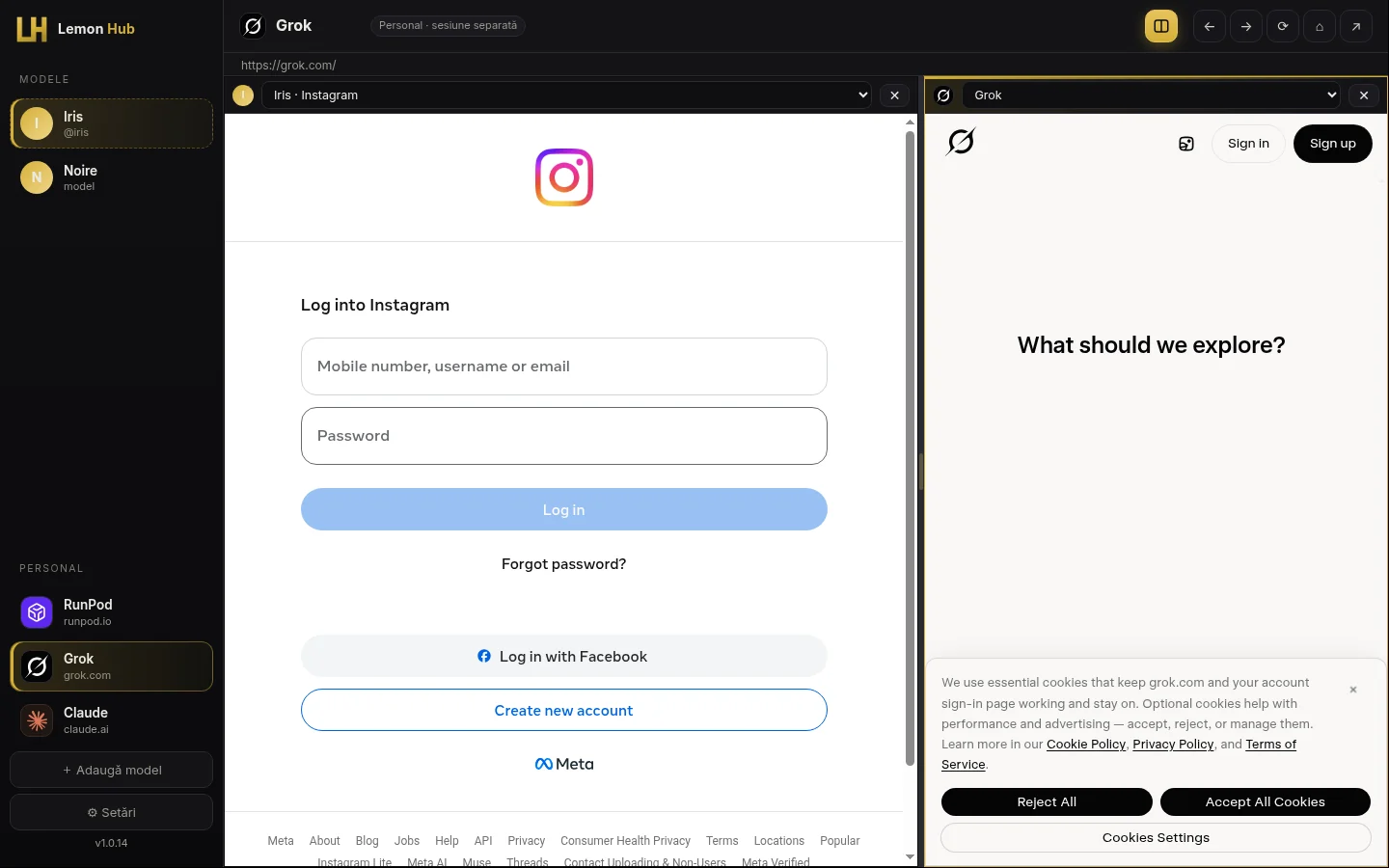
Two services side by side in one window: Instagram next to X, Grok next to Fanvue. Drag to resize, double-click to reset, swap either side in a click.
Separate sessions per account
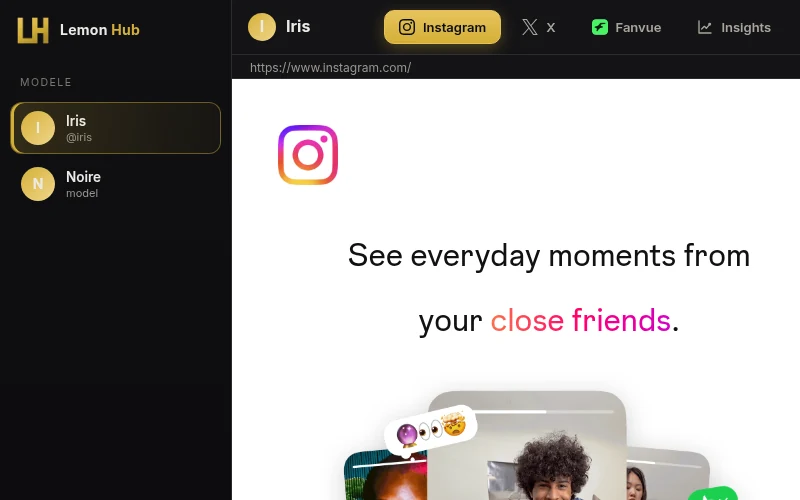
Every model gets its own isolated session for Instagram, X and Fanvue. No cookie mix-ups, no logging out and back in, no browser profiles to juggle.
Insights
Followers and post stats per model in one dashboard, with a daily snapshot so you can see growth over time.
RunPod, Grok and Claude in one place
Your personal tools live in the same sidebar as your accounts, each in its own private session, one click away.
Auto-update
Lemon Hub updates itself in the background. New features and fixes arrive without reinstalling.
Two windows.
Zero tab chaos.
Reply on Instagram while you prompt Grok. Compare two models’ feeds. The active side is outlined in gold so you always know where you are typing.
- Any account or tool on either side
- Drag the divider to resize, double-click to reset
- Remembers your layout between launches
Each model is
its own world.
Cookies and logins stay inside each model’s private session. You log in directly on the real site; Lemon Hub never stores your account passwords, and API tokens are encrypted locally.
- Instagram, X and Fanvue per model
- Personal tools in their own sessions too
- Remove a model and its session goes with it
Know what’s growing.
Connect Fanvue and X per model and Lemon Hub collects followers and post stats into one view. A snapshot is saved every day you open Insights, so you get a followers-over-time chart without spreadsheets. You can also add numbers manually.
Current count and daily history per model.
Recent posts and their performance in one list.
Each model’s data stays tied to its own account.
 Download
Get Lemon Hub for Windows
Install once and it keeps itself up to date. You’ll need a licence key to activate. Don’t have one yet? Get in touch.

Run the installer. Windows SmartScreen may ask you to confirm the first time.
Create your account in the app and enter your licence key.
Add your models and log in to each account once. Sessions stay separate.
Questions, answered.
Does Lemon Hub store my passwords?
No. You log in directly on Instagram, X or Fanvue inside the app. Cookies stay in that model’s separate session on your computer.
How do licences work?
Each licence key activates Lemon Hub on one computer for a set period that starts on activation. Contact us to buy, extend or move a licence.
How do updates work?
The installed app checks for updates automatically and installs them in the background. No need to download it again.
Which systems are supported?
Windows 10 and 11 (64-bit).
Join our Discord
Chat with other Lemon Hub users, get release news first, share ideas and get help. Need private support or help with a licence key? Open a ticket and the team replies right in Discord.
Questions or a licence key?
Support, licences and business enquiries, we usually reply within 3 business days.